Product catalog PDF, right in your browser
Your catalog, ready to send.
Add your brand, products and photos, pick a template and download a beautiful PDF, for print or for WhatsApp. Everything stays on your device.
- Free, no account
- Data stays in your browser
- PDF for print and for WhatsApp
How it works
- 01
Brand
Logo, colors, fonts and contact details. Set them once, reuse them in every catalog.
- 02
Products
Drop dozens of photos at once, import from Excel or type straight into the table.
- 03
Template
Choose from 6 templates and 5 page formats. See the exact page while you work.
- 04
Export
A print-ready PDF with bleed and crop marks, or a light PDF for WhatsApp and email.
Six templates, each with its own personality
Switch templates any time: your products, texts and photos stay in place.
 Minimal gridWhite space, clean sans, products in a tidy grid.
 Editorial / LookbookLarge images, serif headlines, asymmetric layouts, magazine feel.
 Classic retailClear grid, prominent prices and codes; for shops and wholesalers.
 BoutiqueSoft colors, rounded frames; for cosmetics, fashion, gifts.
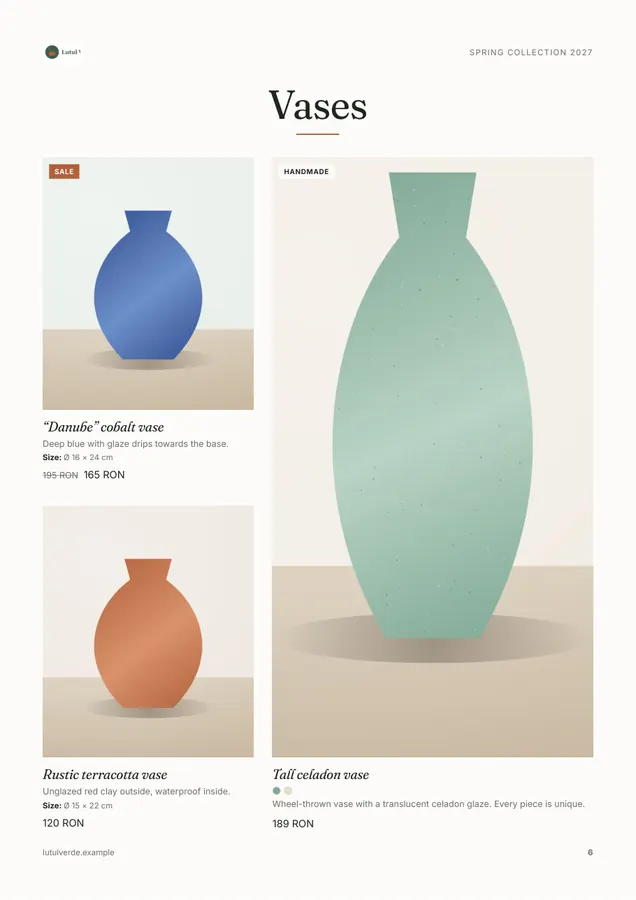
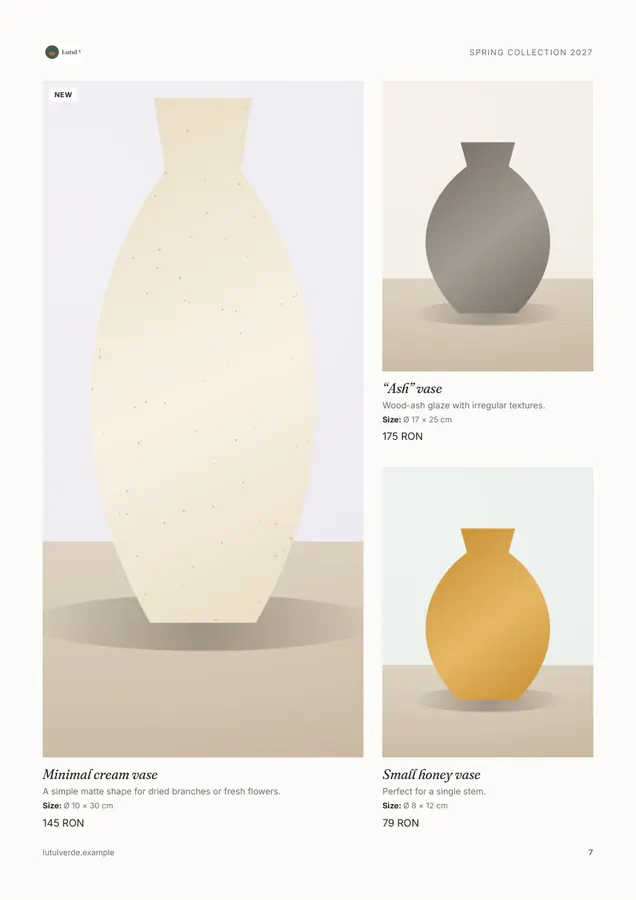
 Artisan / FoodWarm tones, paper texture, hand-drawn-style dividers.
 Technical / Spec sheetCompact, with spec tables, codes and units; for B2B.
Made for people with many products and little time
Bulk photo upload
Drop your photos and get products with names and prices read from file names, e.g. blue-vase_29eur.jpg.
Page-accurate preview
What you see is what the PDF gets: the same pages, positions and fonts.
Print-ready PDF
Photos at ~300 DPI, embedded fonts, 3 mm bleed and crop marks.
Light PDF for WhatsApp
Compressed photos and the estimated size before you export.
Your data stays with you
No account and no servers: everything is saved in your browser. One-file backup.
Who Catalogo is for
Boutiques & gifts
Seasonal collections, rounded frames, soft colors.
Furniture & decor
Large photos, dimensions and materials in clear spec sheets.
Cosmetics
Ingredients, variants and badges like “Vegan” or “New”.
Food producers
Warm tones, weights and units, ingredients.
Wholesalers
Codes, prominent prices and an Excel price list.
Frequently asked questions
Does it cost anything?
No. Catalogo is free. You don't need an account and we don't ask for personal data.
Where are my products and photos stored?
Only in your browser, on your device. Nothing is uploaded to a server. Download a backup (.catalogo.zip) now and then to keep them safe or to continue on another device.
Can I print the catalog at a print shop?
Yes. The print export uses full-resolution photos (~300 DPI), embeds the fonts and can add a 3 mm bleed and crop marks.
How do I send the catalog on WhatsApp or by email?
Choose “Light PDF”: photos are compressed and the file stays small. We show the estimated size before you export.
How many products can I have?
Catalogo stays smooth with hundreds of products. The practical limit is your browser's storage for photos; Settings shows how much you use.
Can I import products from Excel?
Yes. Upload an .xlsx or .csv file, match the columns, review the changes, then add photos matched by code or file name.
Which languages can the catalog use?
Catalog labels (“Price”, “Contact”, “Contents”…) can be in Romanian, English, German, French, Italian, Spanish or Hungarian, independent of the app language.
Can I use my Vitrino brand?
Yes. Drop Vitrino's brand kit ZIP or .kit.json file in the Brand tab and we'll fill in your logo, colors and contact details.
Start with your brand, or with an example
Try the editor with a demo catalog: a ceramics studio with 24 products.
Create my catalog